Creating digital products in 2025 is easier than ever with tools tailored for different needs. Whether you're designing online courses, selling templates, or building membership sites, the right platform can save time and boost earnings. Here’s a quick summary of the top tools:
Muse: Free to start, AI-powered store builder, supports diverse digital products like courses, downloads, and memberships. Plans start at $6/month.
Canva: Ideal for visual content creation with templates, AI tools, and collaboration features. Free plan available; Pro starts at $110/year.
Teachable: Focused on online courses and coaching with tools like quizzes, certificates, and analytics. Plans start at $59/month.
Kajabi: All-in-one platform for courses, memberships, and marketing. Pricing starts at $55/month when billed annually.
Quick Comparison
Feature/Aspect | Muse | Canva | Teachable | Kajabi |
|---|---|---|---|---|
Starting Price | Free (Premium: $6/mo) | Free (Pro: $110/year) | $59/month | $55/month annually |
Best For | Digital downloads, AI-powered stores | Visual content, templates | Online courses, coaching | All-in-one product management |
Key Strengths | AI store creation, analytics, SEO tools | Templates, AI tools, team collaboration | Course hosting, student management | Marketing tools, sales funnels, CRM |
Each tool caters to different creator needs, so choose based on what you plan to create. Start small with free or basic plans and upgrade as your business grows.
15 tools that run our digital products business
1. Muse
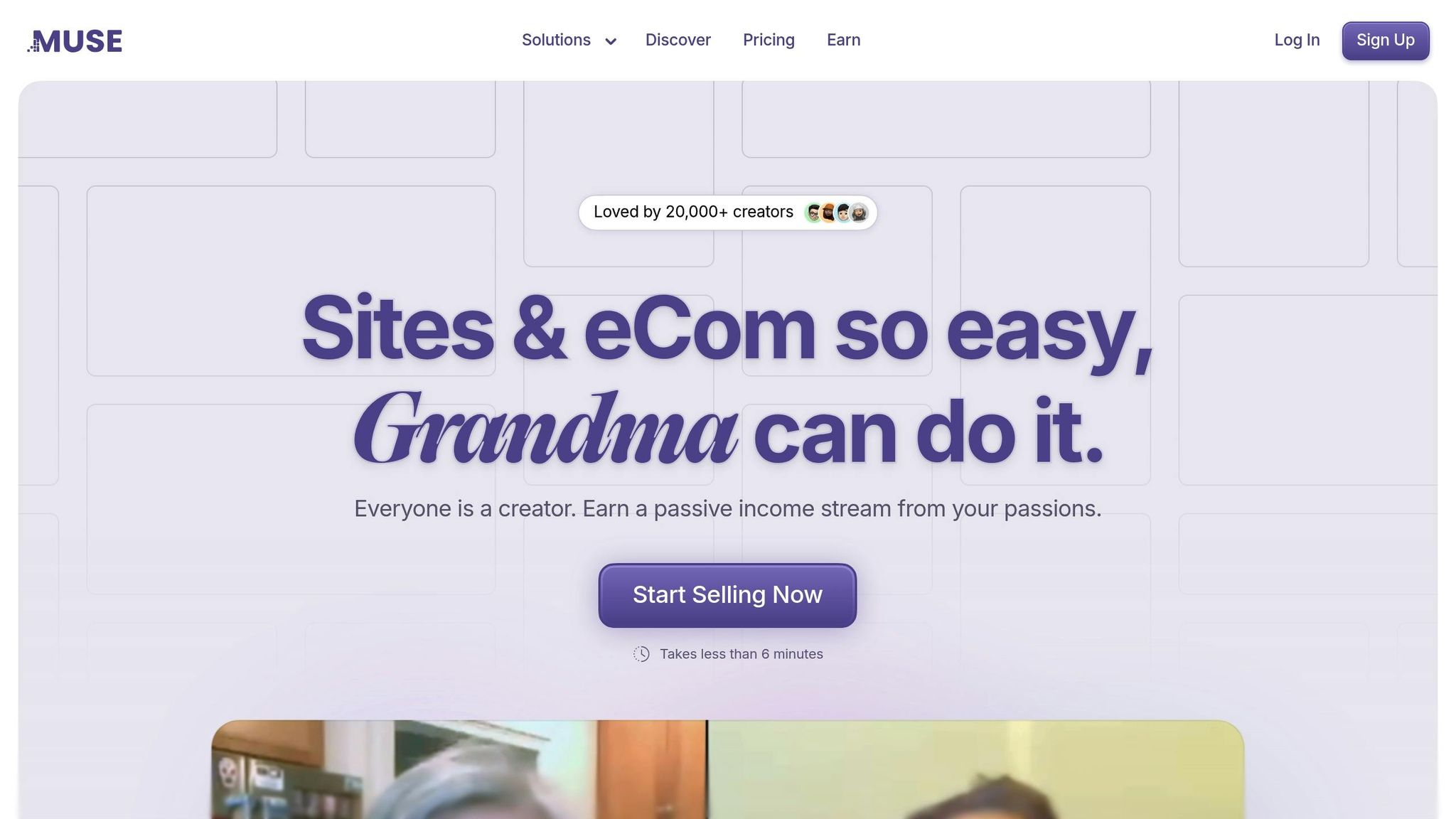
Muse is a platform designed to help creators build and sell digital products with ease. It combines simplicity with powerful tools, making it a go-to choice in 2025. Its AI-powered store builder enables faster product launches while giving creators full control over their designs.
Here’s a breakdown of Muse's pricing plans:
Plan | Price (Annual Billing) | Storage | Transaction Fee | Key Features |
|---|---|---|---|---|
Basic | Free | 1GB | 9% | Unlimited Pages, Chat & Email Support |
Premium | $6/month (Billed Yearly) | 10GB | 4% | Custom Domains, Advanced Analytics |
Pro | $60/month (Billed Yearly) | 100GB | 1% | Priority Support, Premium Themes |
Muse supports a wide range of digital product formats, including online courses, digital downloads, membership areas, one-on-one consulting, and creative assets like digital art. This flexibility allows creators to tailor their offerings to their audience.
Success Stories
Ben Farmer, a guitar and ukulele teacher, adapted his business during the pandemic by using Muse to create private pages for his students. These pages featured weekly lessons, demo videos, and sheet music. Similarly, Samson Harper, who sells AI-generated books, praises Muse for its user-friendly builder, which helps him showcase his creations.
Muse’s membership features are ideal for generating recurring income. Science communicator Hashem Al-Ghaili uses these tools for his consulting business:
"Muse is perfect for helping me connect with my followers directly through 1:1 consulting calls and a private member area." [2]
The platform also includes an analytics dashboard and built-in SEO tools, making it easier to track performance and improve visibility. With same-day deposits and flexible payment options, managing finances is hassle-free.
One of Muse’s standout features is its ability to handle multiple content types - text, images, videos, PDFs, and web links - on a single canvas [3]. This is especially useful for creators who want to offer diverse products or create comprehensive learning experiences.
Mark Pate, a comic artist, shares his thoughts:
"Muse is the place to go for creators. Not only traditional creators but also everyday users with ideas and skills to share and sell." [2]
2. Canva
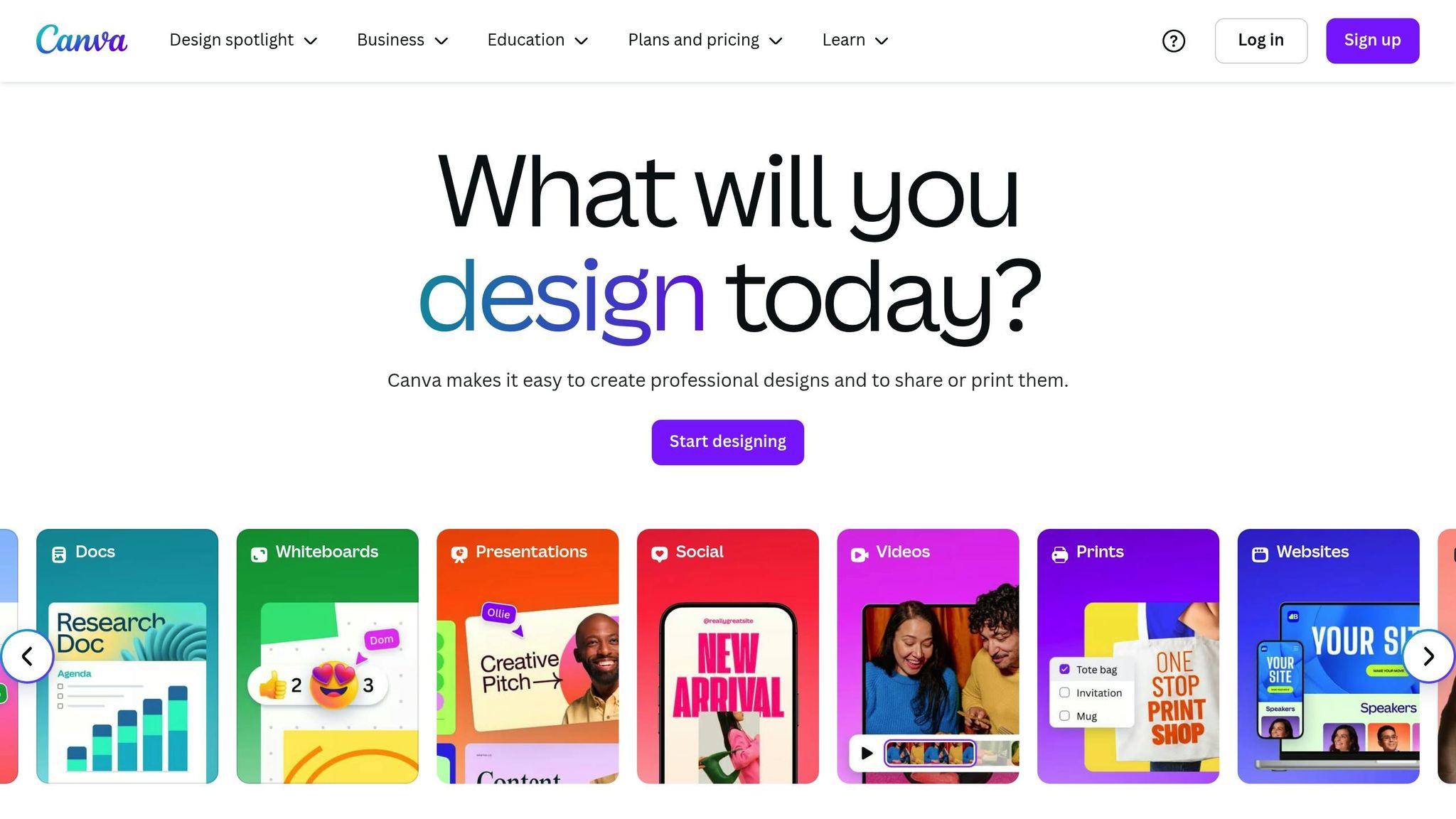
Canva has become a go-to platform for visual design in 2025, carving out its niche as a leader in creating visually engaging content. While Muse focuses on overall digital product management, Canva hones in on visual content creation. With over 135 million monthly active users and adoption by 85% of Fortune 500 companies [6], Canva has cemented its place as a must-have tool for creators.
Here’s a quick look at Canva’s pricing options:
Plan | Price (Annual Billing) | Key Features |
|---|---|---|
Free | $0 | Basic design tools, limited templates |
Pro | $110/year | Exclusive assets, advanced AI tools, branding |
Teams | $90/person/year (min. 3 users) | Collaboration tools, workflows |
Canva’s AI-powered tools simplify the design process. Features like Magic Write for text, Magic Edit for photo tweaks, and Magic Media for transforming text into images or videos [5] make it easier to create eBooks, course materials, social media posts, and more.
Richard Stevenson, Creative Director at HOORAE, highlights Canva’s impact:
"With Canva, HOORAE is saving thousands of dollars for each unique digital project." [4]
The platform boasts a massive library of over 100 million assets [6], including templates, stock media, graphics, and audio tracks. Combined with its collaboration tools, Canva helps teams work efficiently and stay organized.
Canva Pro takes things a step further with features like:
Magic Resize for adapting designs to multiple platforms
Background Remover for cleaner edits
Dream Lab for creative enhancements
Social Media Planner for scheduling posts
Brand Kit for maintaining consistent branding
Marissa Kraines, VP and Global Head of Social Media, shares:
"Canva makes it easy for staff to create new designs in a way that maintains brand consistency." [4]
The platform’s real-time collaboration tools ensure teams stay aligned while creating polished digital products. With direct social media sharing, integrated printing options, and support for over 100 languages [6], Canva empowers creators to design and distribute their work seamlessly.
3. Teachable
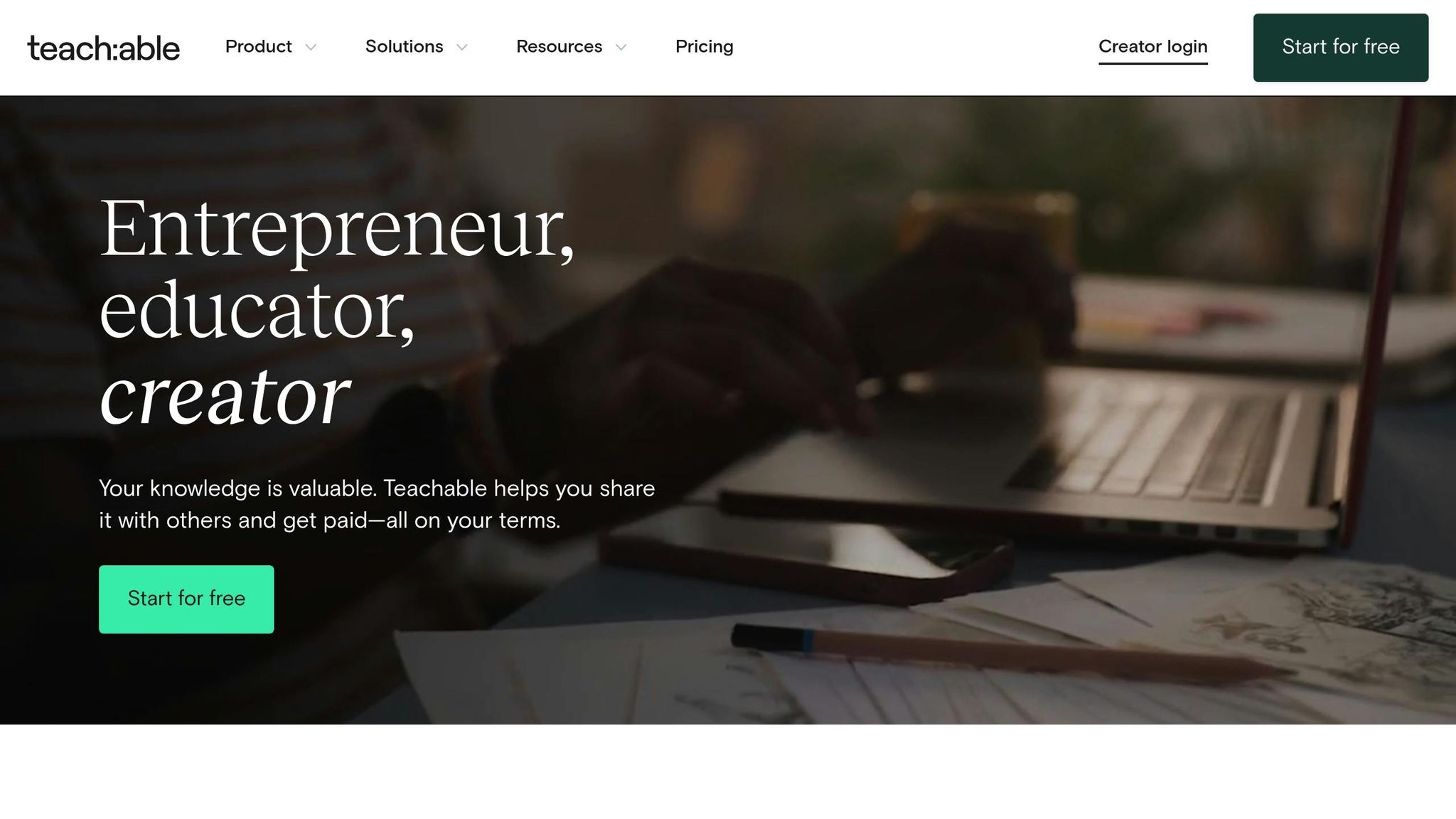
Teachable supports over 150,000 creators and 40 million students, making it a go-to platform for online courses, digital downloads, coaching programs, and memberships [7].
Here’s a look at Teachable’s pricing:
Plan | Monthly Price | Annual Price | Transaction Fee |
|---|---|---|---|
Free | $0 | $0 | $1 + 10% |
Basic | $59 | $39/mo | 5% |
Pro | $159 | $119/mo | 0%* |
Pro+ | $249 | $199/mo | 0%* |
Enterprise | Custom | Custom | 0%* |
*Zero transaction fees apply when using Teachable payment gateways.
Teachable simplifies course creation with AI-powered tools that help generate course outlines, quizzes, and subtitles, significantly reducing setup time [8].
"Teachable has enabled us to have an incredible impact on the lives of over 60,000 students (and generate millions in revenue) in just a few short years. Creating courses and digital products on this platform could not be easier!" [7]
The platform includes features like interactive quizzes, customizable certificates, detailed analytics, and advanced options such as affiliate marketing, upsells, coupon management, custom branding, and multi-language support. Creators can track student progress and sales performance through a centralized dashboard, while Teachable takes care of payment processing, including sales tax, VAT, and GST calculations [7].
"I've used Teachable to sell millions of dollars in digital products & courses. It has allowed my company, Boss Project, to work with more than 30,607+ students from around the world, ensuring a quality experience and better results for our clients." [7]
Teachable also integrates with tools like MailChimp, ConvertKit, and Google Analytics [9]. It supports modern payment options, such as Buy Now, Pay Later services, making courses more accessible [8]. These features make it a strong choice for growing digital education businesses.
4. Kajabi
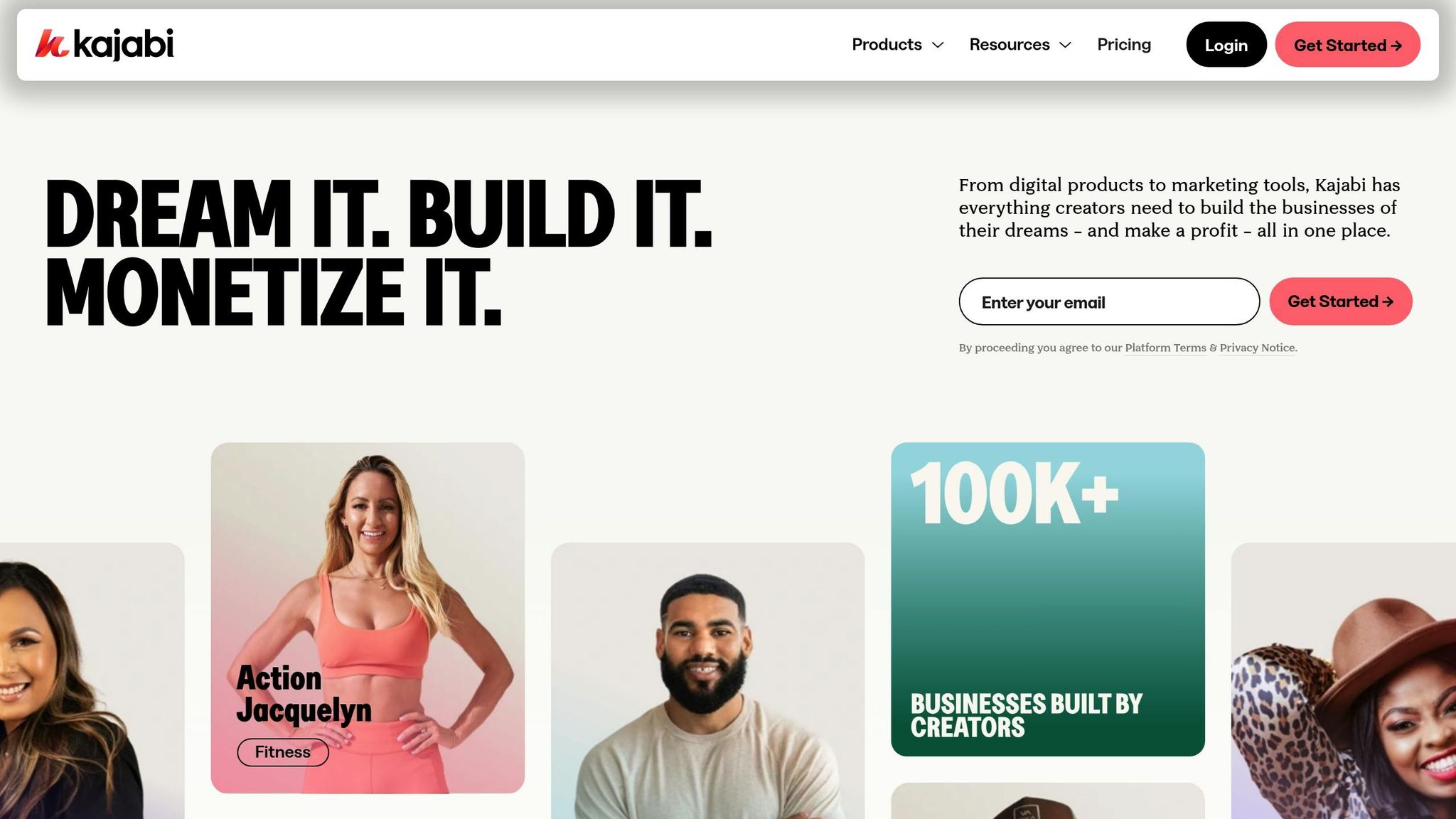
Kajabi is an all-in-one platform designed for creating and managing digital products. It has helped creators generate over $8 billion in revenue [10]. With Kajabi, digital entrepreneurs can build and sell online courses, membership sites, coaching programs, and more - all from one platform.
Kajabi's pricing begins at $55 per month when billed annually or $89 per month with monthly billing. Higher-tier plans include additional features for businesses looking to grow. For exact details, visit their official pricing page.
What sets Kajabi apart is its integrated approach to digital product management. It offers tools like customizable website builders, automated email marketing, and sales funnels. The platform also includes a CRM, detailed analytics, and a custom-branded mobile app to help creators engage with their audience.
Users maintain full ownership of their content and revenue, with only standard payment processing fees applied. Kajabi supports various revenue streams, allowing creators to monetize through online courses, coaching programs, digital communities, membership sites, newsletters, and podcasts.
Kajabi also provides 24/7 customer support and access to a thriving creator community. Plus, it integrates seamlessly with other essential business tools, making it even more practical for entrepreneurs.
Tool Comparison
Here's a quick side-by-side look at the features and pricing of these tools, helping you find the one that fits your needs best.
Feature/Aspect | Muse | Canva | Teachable | Kajabi |
|---|---|---|---|---|
Starting Price | Free (Premium: $6/mo, Pro: $60/mo, billed annually) | Free (with paid upgrades) | $59/month | Varies |
Best For | Digital downloads, online stores, websites | Visual content, templates | Online courses, downloads | All-in-one course creation |
Key Strengths | AI-powered store creation | Intuitive interface | Course-specific features | Integrated marketing tools |
Built-in analytics | Extensive template library | Student management | Sales funnels | |
Custom domains | Team collaboration | Certificate issuance | Mobile app and CRM system | |
SEO tools |
Muse stands out with its free plan and Premium option at $6/month, offering excellent value for features like AI-powered store creation, analytics, and SEO tools. The Pro plan at $60/month adds even more tools for professional creators, including competitive rates for digital product distribution.
Canva is a go-to for visual creators, offering a generous free tier and an extensive library of templates. It's perfect for designing digital downloads, social media posts, and marketing materials.
Teachable is ideal for beginners in course creation, with a straightforward $59/month plan. It includes features like student management and certificate issuance, making it a solid choice for educators.
Kajabi provides an all-in-one platform for course creation, combining advanced marketing tools, sales funnels, and a CRM system. It’s designed for creators who want everything in one place while maintaining full ownership of their content and revenue (minus standard payment fees).
Recommendations by User Type
Here's a breakdown of the best platform options based on different creator profiles.
For Beginners Creating Their First Digital Product
Muse is a great starting point with its free Basic plan and AI-powered store creation. Brett Stickels, CEO of Impact Enterprises, shares:
"Muse is incredibly user-friendly and helps keep our company documents super organized. It's totally changed the way than we run our day to day operations." [1]
If you're just starting out, the $6/month Premium plan offers room to grow as you gain experience.
For Visual Content Creators
Canva stands out for creators working on templates, workbooks, or social media content. Marissa Kraines, VP and Global Head of Social Media, highlights:
"Canva makes it easy for staff to create new designs in a way that maintains brand consistency." [1]
With a vast template library and collaborative tools, Canva is perfect for crafting digital planners, social media templates, eBooks, and course materials.
For Course Creators
Teachable is designed for building and managing online courses, priced at $59 per month. It includes features like course hosting, completion certificates, and student management tools, making it ideal for those focused on education.
For Established and Scaling Creators
Kajabi is tailored for experienced creators ready to expand. It combines marketing, automation, and multi-product management, making it a strong choice for membership sites and growing digital businesses. As your business scales, you can explore advanced plans to match your revenue goals. For detailed pricing and transaction fee information, check each platform's section above.
With the e-learning market expected to hit $165 billion by 2025 [1], choosing the right platform early can set you up for long-term growth. Start with basic plans and upgrade as your business evolves to ensure your tools grow with you.
Related posts
10 Best AI Website Builders 2025
10 Essential Features Every Creator Website Needs in 2025
How to Price Digital Products: A Guide for Beginners
5 Best Ways to Sell Digital Downloads Online