Creating your first online course can help you share your expertise and earn income in a growing $350 billion e-learning market. Here’s a quick summary of the process:
Pick a Topic: Focus on your strengths and ensure there’s demand for your idea.
Structure Your Content: Break your course into 4–8 modules with clear, measurable learning goals.
Create Materials: Use videos, PDFs, quizzes, and other formats to keep students engaged.
Set Up on Muse: This platform simplifies hosting, payments, and analytics with plans starting at $0/month.
Market & Sell: Build a sales page, set a price (average $137 for first-time courses), and promote through email and social media.
Follow these steps to turn your knowledge into a course students will value and complete. Ready to start? Let’s dive into the details.
How to Create an Online Course for Beginners (start to finish)
Step 1: Pick Your Course Topic
Choosing the right topic is the first step toward creating a successful course. It should align with your expertise and appeal to your target audience. This will lay the groundwork for effective course planning.
Identify Your Expertise
Start by reflecting on your strengths and experience in these areas:
Professional Background: Consider your career achievements and specialized skills, like managing email campaigns or mastering SEO.
Personal Growth: Think about personal milestones or transformations that others might find helpful.
Frequent Advice Requests: Pay attention to the questions people often ask you, whether at work or online. These can highlight areas where your knowledge is in demand.
Validate Market Demand
Before diving into course creation, make sure there’s a real audience for your topic. Here’s how you can check:
Look for discussions in forums, social media groups, and other online spaces your audience frequents.
Explore platforms like Reddit and Quora to see what questions people are asking about your subject.
Talk directly to a few potential students to understand their struggles and goals.
Offer a free resource to gauge interest and engagement.
Understand Your Audience
Once you’ve confirmed interest, get to know your potential students better. Ask yourself the following:
Audience Aspect | Questions to Consider |
|---|---|
Demographics | What are their age, location, and education level? |
Current Knowledge | What do they already know? What’s their skill level? |
Goals | What outcomes are they hoping to achieve? |
Challenges | What obstacles or pain points do they face? |
The better you understand your audience, the easier it will be to create content that speaks directly to them.
Narrow Your Focus
Avoid broad topics and instead zero in on a specific niche. For example, instead of "Digital Marketing", consider "Instagram Marketing for Small Businesses" or "Email Automation for E-commerce." Define the transformation your course offers and solve a clear problem for your audience. Once your topic is finalized, you’re ready to outline your course for maximum impact.
Step 2: Structure Your Course
Now that you've chosen your topic, it's time to lay out a clear path for learning. A well-organized structure helps students absorb the material effectively.
Map Out Your Lessons
Break your course into 4–8 modules, each containing 3–7 focused lessons. This keeps the content manageable and engaging.
Course Component | Purpose | Recommended Length |
|---|---|---|
Modules | Key themes or milestones | 4–8 per course |
Lessons | Individual topics | 3–7 per module |
Introduction | Set expectations | Brief overview |
Summary | Wrap up and review | Key takeaways |
Each lesson should focus on a single concept. Start with an introduction, cover the main idea, and end with clear takeaways.
Write Learning Goals
Once your lessons are mapped out, define objectives to measure progress.
Be specific: Instead of "Learn geometry", try "Calculate the area of a shape, the hypotenuse of a triangle, and the circumference of a circle."
Make it measurable: Ensure students can demonstrate what they've learned.
Keep it realistic: Set goals that align with the course's length and scope.
Focus on relevance: Stick to skills and knowledge your students are eager to gain.
Choose Content Types
Use a variety of content formats to cater to different learning styles.
Content Type | Best For | Examples |
|---|---|---|
Text and Photos | Simple explanations | Definitions, examples |
PDFs/Downloads | Reference materials | Checklists, worksheets |
Slide Decks | Step-by-step guides | Visual presentations |
Screen Recordings | Technical walkthroughs | Software tutorials |
Video Lessons | In-depth explanations | Complex topics |
Incorporate these four content categories into your course:
Blueprint Content: Outlines, progress trackers
Action Content: Exercises, worksheets, practical tasks
Nurturing Content: Pre-course surveys, Q&A sessions
Knowledge Content: Lessons, case studies, presentations
Focus on material that delivers practical outcomes. Stick to the essentials and ensure students can apply what they learn right away.
Step 3: Create Your Course Content
Now it’s time to develop your course with content that keeps students engaged and helps them reach their learning goals.
Record Clear Video Lessons
Videos are a great way to connect with your students. Focus on the essentials for quality rather than aiming for perfection:
Equipment Needs | Purpose | Tips |
|---|---|---|
Smartphone/Webcam | Video recording | Use natural lighting and a stable mount |
Headphones/Mic | Clear audio | Record in a quiet space |
Screen Recording | Software demos | Rehearse your workflow |
Basic Editing | Post-production | Keep edits minimal and natural |
Keep videos short - ideally under 10 minutes. Add captions or transcripts to make your content accessible to all learners.
Once your videos are ready, enrich them with supporting materials.
Make Learning Materials
Videos are just one part of the equation. Add resources that reinforce and expand on the key points:
Resource Type | Purpose | Example Format |
|---|---|---|
Quick Reference | At-a-glance info | Cheat sheets, templates |
Practice Materials | Hands-on learning | Worksheets, exercises |
Deep Dives | Additional context | Case studies, articles |
Assessment Tools | Progress tracking | Quizzes, assignments |
Use a variety of formats - visual, written, and interactive - to cater to different learning styles. Practical exercises are especially helpful because they let students apply what they’ve learned right away [1].
Order Your Content
After creating your lessons and materials, organize them in a way that supports effective learning:
Start with Fundamentals
Begin each module with the basics before moving into advanced topics. This builds a strong foundation and keeps students motivated.
Create Learning Pathways
Use course features that require students to complete key lessons before moving forward. This ensures they don’t skip ahead to material they’re not ready for.
Ensure a Steady Pace
Break content into weekly modules with 3-4 lessons each. Include time estimates for every section so students can manage their schedules without feeling overwhelmed.
Step 4: Set Up Your Course on Muse
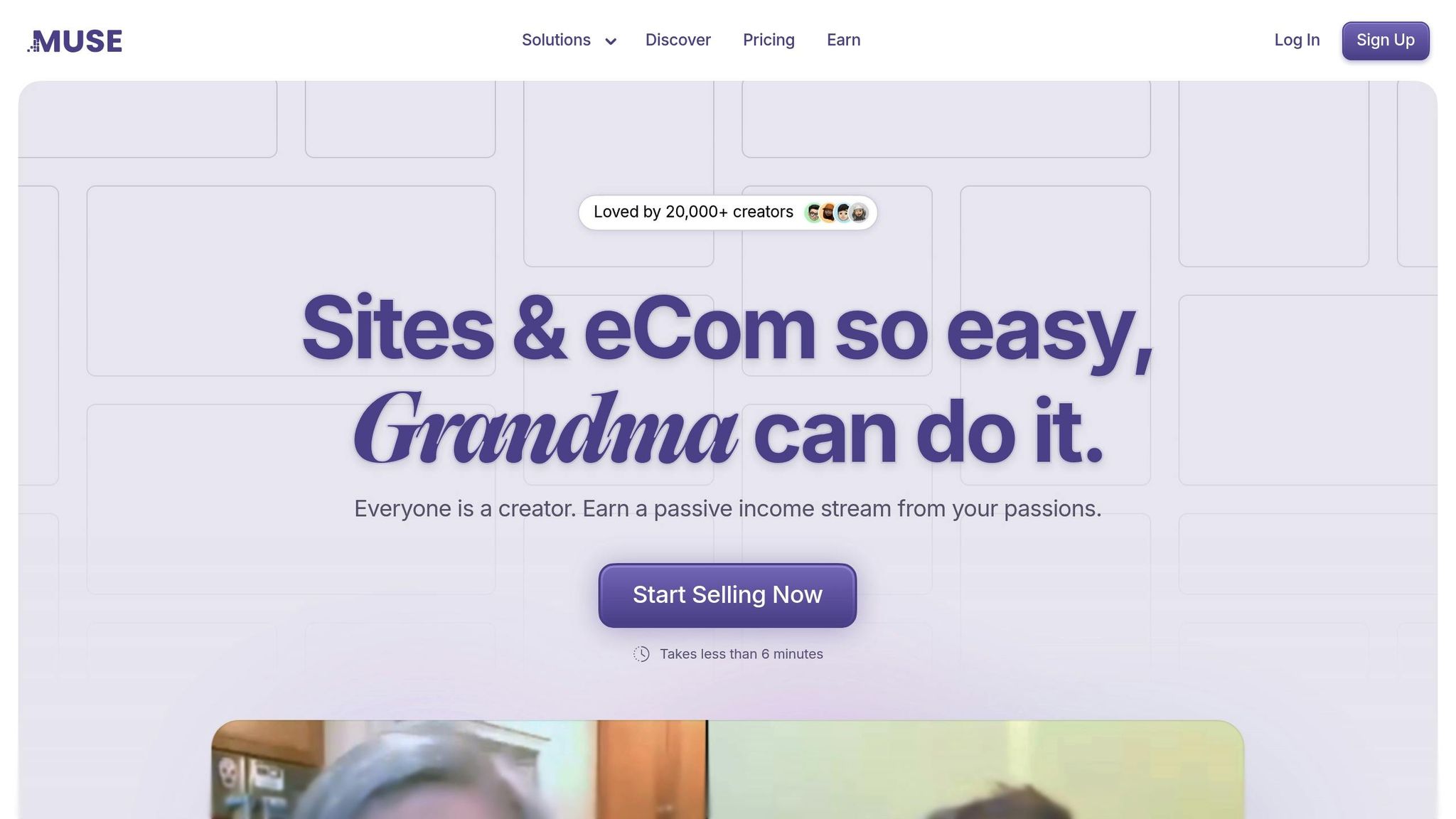
Now that your course content is ready, it’s time to bring it online using Muse.
Why Use Muse for Your Course?
Muse makes it simple to host and sell your course without needing technical skills. Here’s what it offers:
Integrated payment processing for hassle-free transactions
Unlimited course pages to expand your content
Real-time analytics to monitor performance
Customizable branding to match your style
Tools Muse Offers for Course Creation
Muse provides a range of tools to help you deliver your course effectively:
Feature | Purpose | What It Does |
|---|---|---|
Course Builder | Organize your content | Drag-and-drop lessons into place |
Member Areas | Control student access | Create secure, password-protected spaces |
Analytics Dashboard | Track performance | Get real-time insights on engagement |
Digital Downloads | Share resources | Upload PDFs, worksheets, and templates |
Forms | Boost interaction | Add quizzes, surveys, and assignments |
Using Muse’s block-based editor, you can easily organize your content into modules with videos, text, and downloadable resources.
Muse Pricing Plans
Choose a plan based on your course size and enrollment expectations:
Plan | Monthly Cost | Storage | Transaction Fee | Ideal For |
|---|---|---|---|---|
Basic | Free | 1GB | 9% | Testing your first course |
Premium | $6 | 10GB | 4% | Growing course creators |
Pro | $60 | 100GB | 1% | Established educators |
Note: Prices are billed annually.
The Premium plan is a great starting point, offering features like custom domains and advanced analytics with lower transaction fees. If you’re just getting started, the Basic plan lets you test the waters before upgrading as your course grows.
Step 5: Sell Your Course
Build Your Sales Page
Create a sales page that turns visitors into students. Start with a clear headline, add a short professional video introduction, and include concise text that highlights the benefits of your course. A video introduction alone can boost conversions by up to 80% [2].
Here’s what to include:
Course Overview: Use a professional video to showcase the course content.
Learning Outcomes: Highlight the skills students will gain, problems they’ll solve, and how it can save time or increase revenue.
Course Curriculum: Break down your modules into easy-to-understand sections.
Set Your Price
Choose a price that reflects the course’s value and aligns with market expectations. For reference, the average first-time course is priced at $137 [4].
Course Type | Price Range | Ideal For |
|---|---|---|
Mini Course (4-10 videos) | $47 - $147 | Quick wins or specific skills |
Standard Course (4-6 weeks) | $197 - $497 | In-depth learning |
Flagship Course (Several months) | $1,000 - $3,000 | Comprehensive transformation |
"Premium pricing brings in SERIOUS customers that are there because they want to be there, and they are invested in the program. Serious customers lead to better success stories. Better success stories lead to more serious customers. Plus, with premium pricing it doesn't take thousands of customers to grow a 5-figure, 6-figure, or even a 7-figure business." - David Siteman Garland [3]
Offering payment plans can make your course more accessible while keeping its perceived value intact. Once pricing is set, focus on getting the word out.
Promote Your Course
Use email, social media, and content marketing to spread the word about your course:
Build an email list using Muse’s form tools and share sneak peeks of your course.
Announce limited-time offers on social media.
Publish blog posts and free resources, optimizing them with Muse’s SEO tools.
Consider offering early-bird discounts, referral incentives, and running targeted ads. Testimonials from beta testers can also help create urgency and build trust.
"An engaging website will educate your target audience and bring them from a problem-aware stage to a solution aware!" - Affan V, Head of Marketing Operations at Think Orion [5]
Conclusion: Launch Your Course
You've got the steps to create your first online course - now it’s time to make it happen. Don’t wait for everything to be perfect. Launch your main content and improve it along the way.
Before you go live, make sure you’ve covered these essentials:
Your course content and technical setup have been thoroughly tested
You have an email list of interested students
A sales page that clearly explains the course benefits
Secure payment processing through Muse
Clear terms and conditions for your course
Here’s a handy pre-launch checklist to help you stay on track:
Element | Action Items |
|---|---|
Content Quality | Review grammar, spelling, and alignment with your learning objectives |
Technical Setup | Test course playback on different devices and browsers |
Student Experience | Ensure navigation is easy to follow and progression indicators work smoothly |
Marketing Assets | Get launch emails, social media posts, and other promotional materials ready |
Once you launch, use the feedback you get to improve your course. Keep your students engaged with live webinars, timely responses, and opportunities for feedback. Muse’s built-in analytics and engagement tools can help you track how students are doing and refine your course based on real data.
Your first course is just the start. Many successful course creators began small, then expanded their offerings based on what their students wanted and needed. Focus on giving your students real value, and growth will follow.
"Premium pricing brings in SERIOUS customers that are there because they want to be there, and they are invested in the program. Serious customers lead to better success stories. Better success stories lead to more serious customers. Plus, with premium pricing it doesn't take thousands of customers to grow a 5-figure, 6-figure, or even a 7-figure business." - David Siteman Garland [3]
Now that you’re ready, it’s time to make your debut. Use Muse’s user-friendly tools to simplify your launch. Log into Muse, start your first lesson, and welcome your students - they’re waiting for you!
Related posts
How to Price Digital Products: A Guide for Beginners
Starting an Online Coaching Business: Complete Guide
Best Tools for Creating Digital Products in 2025
Building a Personal Brand: Step-by-Step Guide